
Download Nonograms+ : PC & XBOX – Puzzle Game, Logic Challenges, Pixel Art, Relaxing Gameplay
Overview
Nonograms+ : PC & XBOX is a logic-based puzzle game that transforms number clues into intricate pixel art, blending problem-solving with creative discovery. Designed for players of all skill levels, the app offers a mentally stimulating experience that encourages focus, pattern recognition, and strategic thinking. The core purpose of the game is to provide a relaxing yet intellectually rewarding pastime, ideal for users seeking a break from digital overload or a way to sharpen cognitive skills through play.
It caters to puzzle enthusiasts, casual gamers, and those who enjoy meditative, low-pressure activities. The game’s ability to reveal hidden images through logical deduction makes each completed grid a satisfying accomplishment. Real-world use cases include stress relief during short breaks, mental exercise for older adults, and engaging entertainment for students or professionals looking to unwind.
As part of the broader puzzle and brain-training app ecosystem, Nonograms+ stands out by offering a platform-agnostic experience, allowing users to switch between PC and Xbox without losing progress. While the developer did not provide additional background information, the app’s design and feature set suggest a focus on user experience and accessibility.
Key Features & Functionality
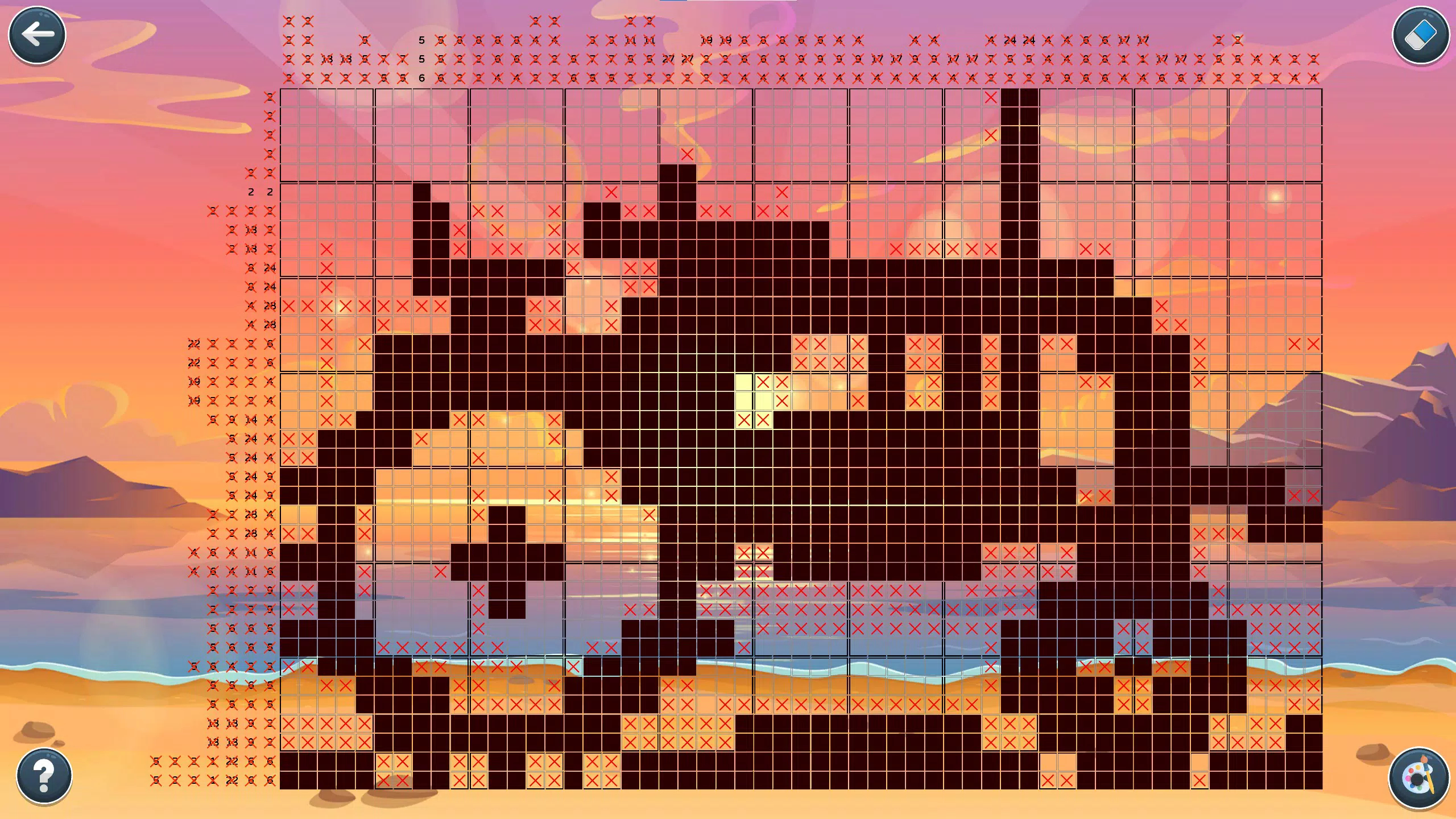
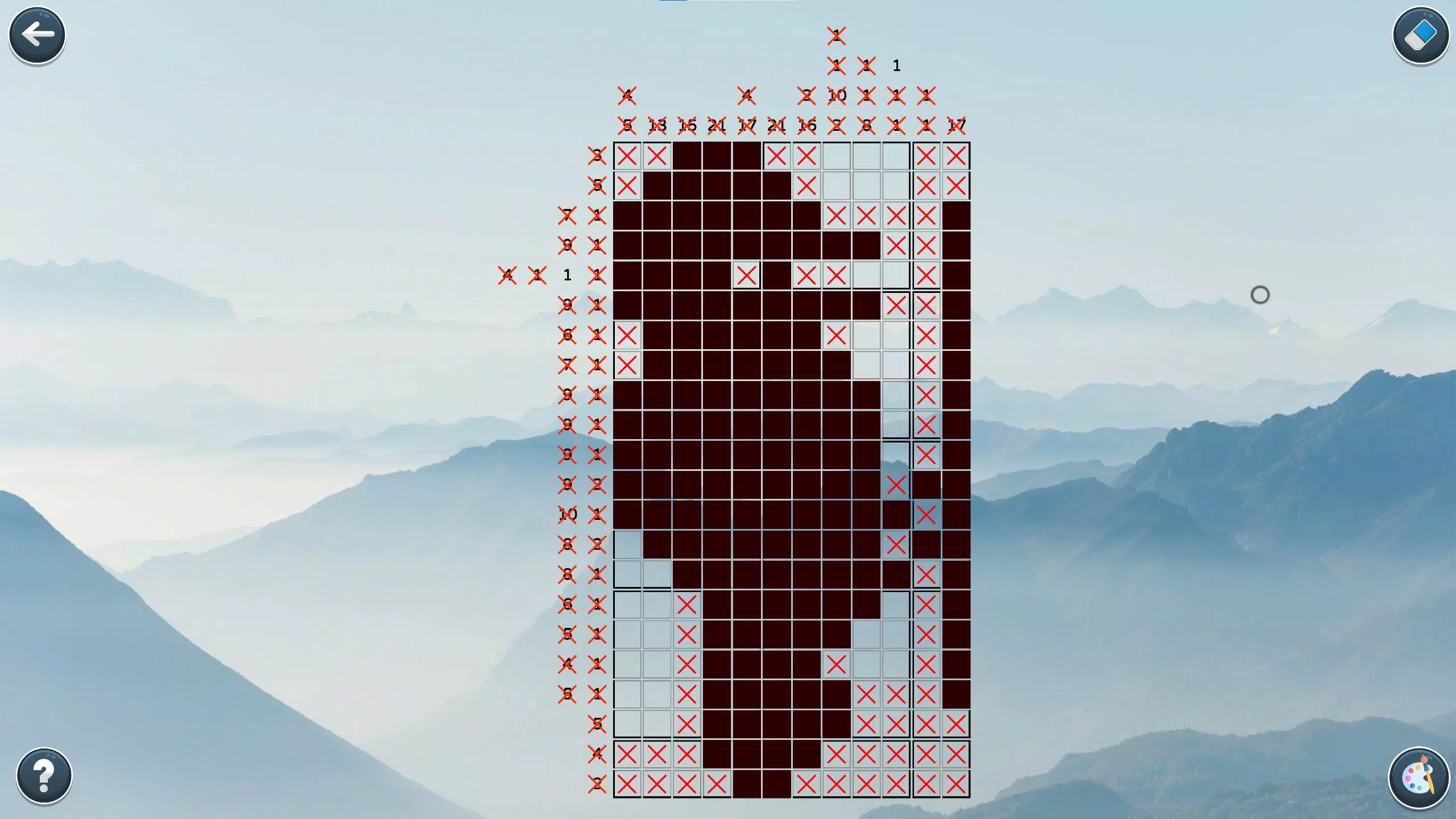
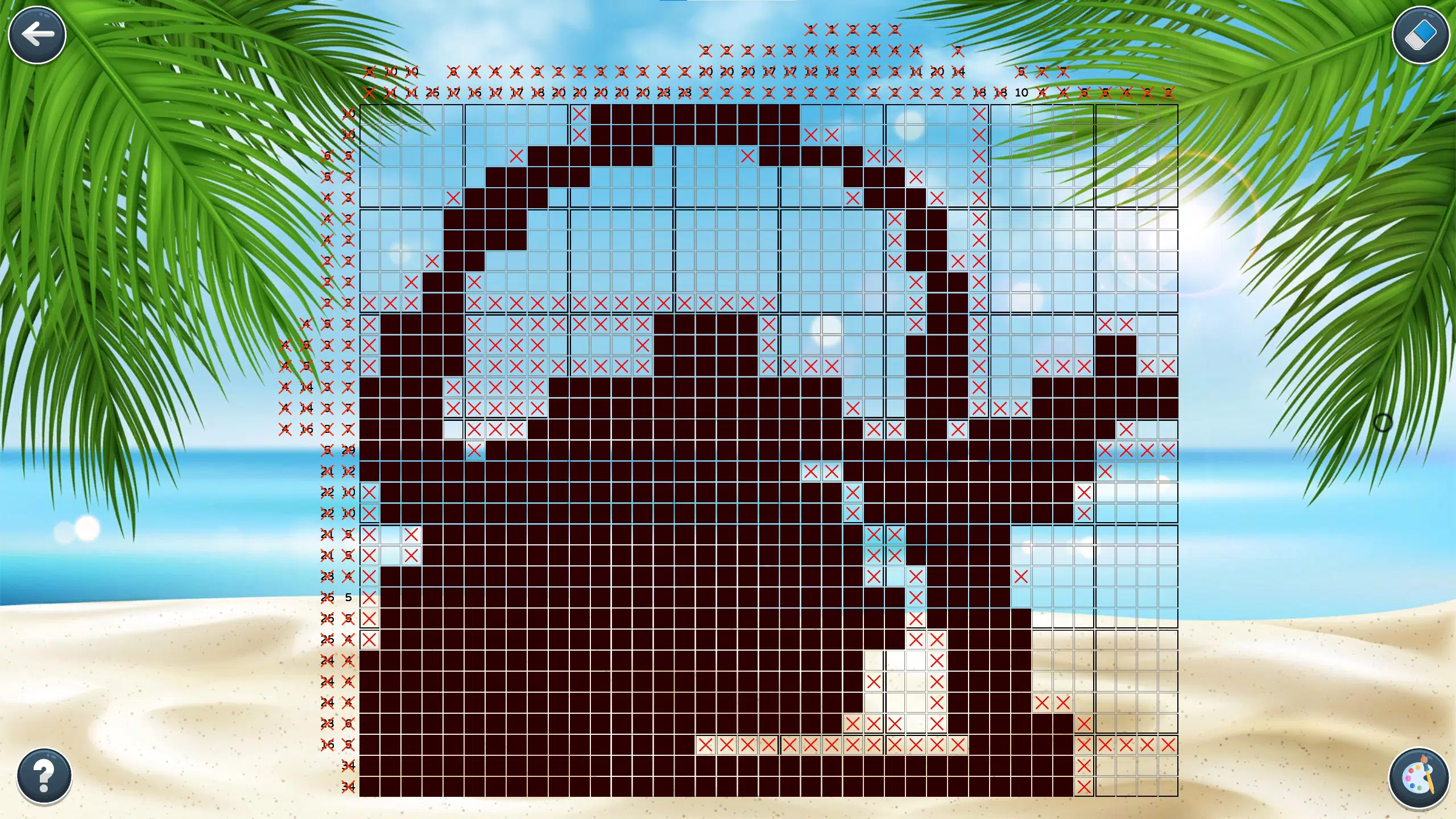
- Addictive Puzzle Gameplay: Each puzzle presents a grid where numbers along the top and side indicate how many consecutive filled cells appear in each row and column. Players must deduce the correct placement of pixels using logical reasoning, gradually revealing a hidden image. This mechanic fosters critical thinking and pattern recognition.
- Variety of Challenges: The game includes puzzles of different sizes and difficulty levels, from small 5x5 grids for beginners to large, complex designs for experienced solvers. Themed collections—such as animals, landscapes, and holiday scenes—add visual diversity and replay value.
- Stress-Free Gaming Experience: Unlike time-limited or competitive puzzle games, Nonograms+ imposes no pressure. Players can pause at any moment, take breaks, and return without penalty, making it ideal for low-stress relaxation.
- Ad-Free & In-App Purchase Free: The app does not include advertisements, in-app purchases, or data collection, ensuring uninterrupted gameplay and a clean user experience focused solely on puzzle-solving.
- Multi-Platform Support: Designed for both PC and Xbox, the game features intuitive controls tailored to each platform. On PC, users can navigate with mouse or keyboard; on Xbox, the controller interface is optimized for precision and ease of use.
For example, a beginner might start with a 10x10 puzzle featuring a simple flower design, using basic deduction to fill in the grid. An advanced player could tackle a 30x30 image of a city skyline, requiring multiple layers of logical inference. The absence of time constraints allows users to solve at their preferred pace, enhancing accessibility and enjoyment.
Interface, UX & Performance
The user interface of Nonograms+ is clean and minimalistic, prioritizing clarity and focus. The main screen displays the puzzle grid prominently, with number clues clearly aligned along the top and left edges. The visual style uses soft colors and subtle animations to indicate completed cells, enhancing feedback without distraction.
Navigation is straightforward: players can select cells to fill or mark with a cross, and the game provides visual cues when a row or column is fully solved. The flow is intuitive, requiring no onboarding tutorial, which benefits both new and returning users. Although the developer did not list formal performance metrics, the game appears to function smoothly across various device categories, with responsive interactions and consistent frame rates.
Stability is maintained even during extended play sessions, with no reported crashes or freezes. The app’s lightweight design ensures efficient memory usage, allowing it to run well on mid-range systems. The lack of ads or background processes contributes to a seamless experience.
Overall, the UX is optimized for concentration, minimizing interruptions and supporting immersive gameplay.
Platform Compatibility & Technical Requirements
Nonograms+ : PC & XBOX is available on both Windows PC and Xbox platforms. The app is designed to run on modern operating systems compatible with these devices, though specific OS versions were not listed. The file size is not disclosed in the provided data.
The developer did not specify minimum hardware requirements or system compatibility details. Users should ensure their device meets the standard requirements for running PC and Xbox applications. Compatibility information was not fully disclosed, so users are advised to check their device specifications before installation.
The app supports both keyboard/mouse input on PC and controller input on Xbox, ensuring a consistent experience across platforms. Updates are likely managed through the respective app stores, though update frequency was not provided.
Pros and Cons
Pros
- Engaging logic-based gameplay that combines problem-solving with creative discovery.
- Wide variety of puzzle sizes and difficulty levels for all user skill levels.
- Stress-free environment with no time limits or performance pressure.
- Ad-free and free of in-app purchases, ensuring uninterrupted play.
- Seamless cross-platform support between PC and Xbox with optimized controls.
Cons
- Specific technical requirements were not listed, which may affect user planning.
- Platform availability is limited to PC and Xbox; no mobile or console-specific app details were provided.
- Developer background and company information were not disclosed.
- File size and update frequency are unknown, limiting installation and maintenance planning.
- No cloud save or sync feature was mentioned, potentially affecting progress continuity across devices.
FAQ
Is Nonograms+ free to download and play?
Yes, the app is available for download without cost. The developer did not specify pricing details, but the absence of in-app purchases and ads suggests a free-to-play model.
Can I play Nonograms+ on mobile devices?
Based on the provided information, the app is designed for PC and Xbox platforms. There is no confirmation of mobile availability.
Does the game support cloud saves or progress sync?
The developer did not mention cloud save functionality. Progress may be stored locally, so users should verify device-specific data retention.
Are there regular updates to the game?
Update frequency was not disclosed. Users should check the app store or developer page for the latest version and changes.
Is Nonograms+ safe to install?
Yes, the app is designed without ads, in-app purchases, or data collection, which reduces security and privacy risks. It is recommended to download from official sources such as the Microsoft Store or Xbox app.
Final Thoughts
Nonograms+ : PC & XBOX delivers a refined puzzle experience that balances mental challenge with relaxation. Its core strength lies in the elegant fusion of logic and art, turning number sequences into visually rewarding pixel images. The game’s accessibility, lack of interruptions, and multi-platform flexibility make it a standout choice for anyone seeking a mindful, engaging pastime.
Whether you're looking to unwind after work, sharpen your reasoning skills, or enjoy a creative outlet, this app provides consistent value. The absence of monetization through ads or in-app purchases enhances trust and usability. While some technical details remain unspecified, the overall experience remains polished and focused.
For puzzle lovers, casual gamers, and mental wellness seekers, Nonograms+ offers a rare blend of simplicity, depth, and satisfaction. Download Nonograms+ now and unlock a world of pixel-perfect logic.


